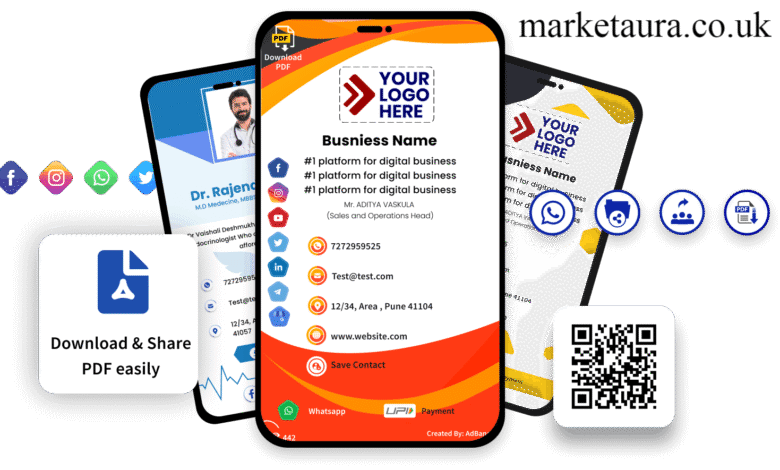
A free e business card is a digital version of a traditional business card that you can create, customize, and share from your phone or computer. Instead of printing your name, phone number, email address, and company details on paper, you can put them into an online card and share them through a QR code, link, NFC tap, email signature, or compatible wallet.
For freelancers, entrepreneurs, sales professionals, job seekers, and small businesses, an electronic business card can make networking faster and easier. It can also be updated without printing a new batch of cards.
This guide explains how to create a free digital business card, what information to include, how QR codes and NFC work, and which sharing method makes the most sense for different situations.
What Is a Free E Business Card?
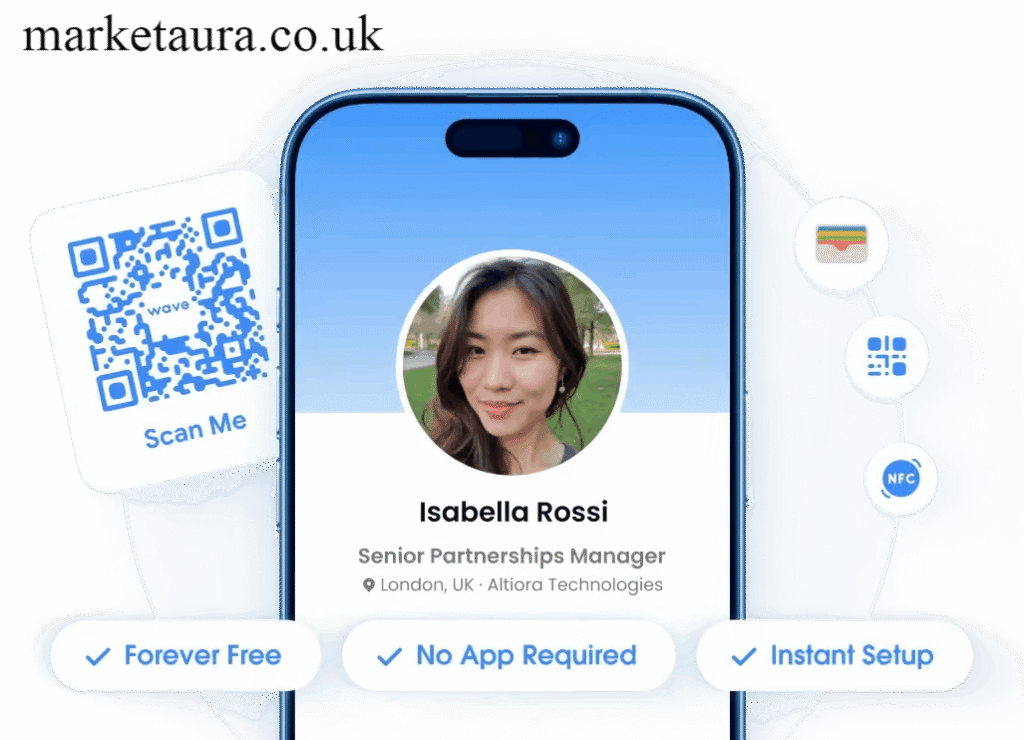
A free e business card is an online contact card that contains your professional information and can be shared digitally.
It is also commonly called a digital business card, virtual business card, electronic business card, or online business card. Depending on the platform you use, your card can include:
- Your name
- Job title
- Company name
- Phone number
- Email address
- Website
- Profile photo
- Company logo
- LinkedIn profile
- Instagram account
- Portfolio
- Booking link
- Calendar link
- Payment link
- Social media profiles
Unlike a printed card, a digital card can remain connected to your latest information. If you change your phone number, job title, website, or social profile, you can update the online card instead of replacing printed cards.
That makes a digital contact card a practical paper business card alternative for modern networking.
Why Should You Use a Digital Business Card?
The main advantage is convenience. You can carry your entire professional profile on your mobile phone and share it without carrying a stack of printed cards.
A digital card can be especially useful when you attend conferences, meetings, trade shows, networking events, interviews, or client appointments.
Easy Contact Sharing
You can share your card using a QR code, direct link, NFC tap, or compatible sharing feature. The recipient can then open your online profile and save your contact information.
Easy Updates
A live contact card can be updated whenever your information changes. This is useful for professionals who frequently change roles, companies, phone numbers, or websites.
More Information
A printed card has limited space. A digital business card can connect people to your website, portfolio, LinkedIn profile, booking page, and other relevant destinations.
Better Branding
You can add your profile photo, company logo, brand colors, social links, and other visual elements to create a consistent professional identity.
Lower Printing Dependence
A free digital business card can reduce your dependence on printed cards, especially if most of your networking happens online or through mobile devices.
How to Create a Free E Business Card
Creating a digital card is usually straightforward. Most platforms follow a similar process.
1. Choose a Digital Business Card Maker
Start with a digital business card maker or business card app that offers a free option.
Look for features such as:
- Free card creation
- QR code sharing
- Mobile access
- Custom profile fields
- Social links
- Contact saving
- Easy editing
- Sharing by URL
- Optional NFC support
Read the free plan carefully before choosing a platform because some providers reserve advanced customization, analytics, CRM integration, or additional cards for paid plans.
2. Add Your Contact Details
Enter the information that people actually need to contact you.
At minimum, consider adding:
- Full name
- Job title
- Company
- Professional email
- Phone number
- Website
Avoid adding information that you do not want publicly available. A professional card should provide useful contact information without exposing unnecessary personal details.
3. Add Your Professional Links
Next, connect your important online profiles.
Depending on your profession, useful links can include LinkedIn, Instagram, a portfolio, company website, booking page, calendar, or payment page.
Do not add every possible social network simply because the platform allows it. Three useful links are often better than a long list that makes the card difficult to navigate.
4. Add Your Photo and Branding
A professional profile photo can help the person you meet remember who you are.
Businesses can also add their company logo and brand colors. Keep the design simple enough that your name, job title, and contact options remain easy to find.
5. Generate Your QR Code
Many digital business card platforms can create a digital business card QR code connected to your card.
The QR code can be displayed on your phone, printed on marketing materials, included in presentations, or placed on a desk or event display.
A dynamic QR based card can be particularly useful because the destination can remain connected to your current profile when your details change.
Free Digital Business Card With QR Code: How Does It Work?
A QR code business card works by connecting the QR code to your online contact profile.
When someone scans the code with a compatible phone camera, the person is taken to your digital card. They can then view your contact information and use the available options to save or contact you.
This makes QR sharing useful for:
- Conferences
- Business meetings
- Restaurant or retail staff
- Real estate professionals
- Freelancers
- Sales teams
- Job fairs
- Trade shows
- Marketing events
The important distinction is that a QR code itself is not necessarily the entire business card. It can simply act as the doorway to your digital contact card.
QR Code vs NFC Business Card
Both QR codes and NFC can provide quick digital card sharing, but they work differently.
| Method | How it works | Best for |
|---|---|---|
| QR code | Person scans a code with their phone | Events and printed materials |
| NFC | Person taps a compatible device or NFC accessory | Face to face networking |
| Link | Person opens a web address | Email and social media |
| NameDrop | Nearby compatible Apple devices exchange contact information | iPhone networking |
| Wallet | Card is saved in a compatible mobile wallet | Quick repeat access |
Apple’s NameDrop can share selected contact information between nearby compatible iPhones and Apple Watch devices. Apple also notes that NameDrop is designed for sharing new contact information rather than updating an existing contact.
This means NameDrop can be convenient for Apple users, but it is not the same thing as having a complete interactive digital business card with a public profile, QR code, branding, and additional links.
Can You Put a Digital Business Card in Apple Wallet or Google Wallet?
Yes, depending on the digital business card provider and the type of wallet pass it supports.
Apple Wallet can be used for supported passes, while Google Wallet allows supported passes to be issued through an Add to Google Wallet flow. Google’s current developer documentation describes wallet passes as digital objects that can be added through links and other supported channels.
For everyday networking, however, a QR code or direct card link can be simpler because it does not require the recipient to use the same wallet system.
How to Share Your Free E Business Card
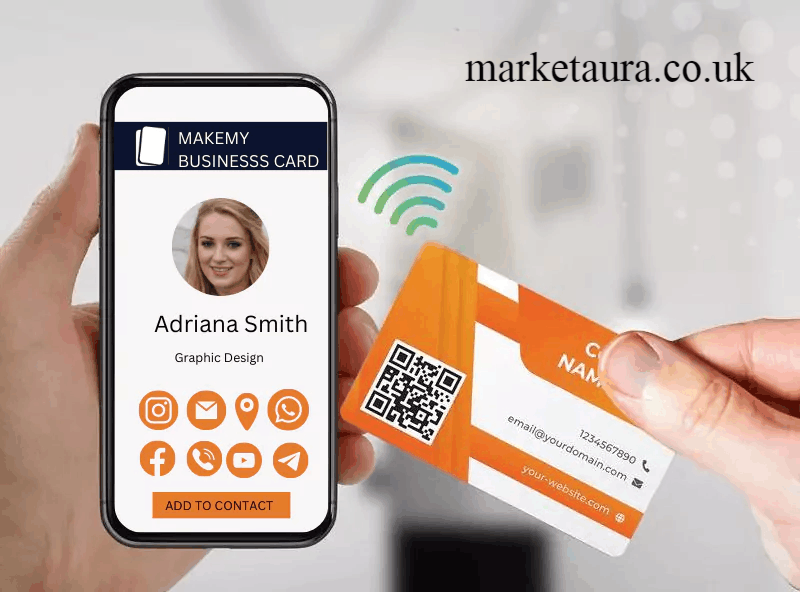
Once your card is ready, choose the sharing method that matches the situation.
Share With a QR Code
Open your QR code and let the other person scan it.
This is one of the easiest methods for conferences, presentations, printed flyers, booths, and networking events.
Share With a Link
Copy your digital business card link and send it through:
- Text message
- Social media bios
- Email signatures
A link is especially useful when you are networking remotely.
Use an NFC Tap
An NFC business card or NFC accessory can open your digital profile when another compatible device is tapped.
This can create a fast and memorable exchange during face to face meetings.
Use NameDrop on iPhone
If both people are using compatible Apple devices, NameDrop can provide a quick way to exchange selected contact information. Apple says users can choose whether to share their card, receive another person’s card, or only receive information.
What Should You Put on an E Business Card?
A good card should answer three questions quickly:
Who are you?
Use your name, job title, profile photo, and company.
How can someone contact you?
Include your preferred phone number, professional email, and website.
What should they do next?
Give them a clear action such as visiting your portfolio, booking a meeting, connecting on LinkedIn, or contacting your business.
For example, a consultant might use:
- Name and job title
- Company logo
- Professional photo
- Phone
- Website
- Book a consultation
A photographer might prioritize:
- Name
- Business name
- Portfolio
- Booking link
The best card is not necessarily the one with the most information. It is the one that makes the next action obvious.
How to Choose the Best Free Digital Business Card App
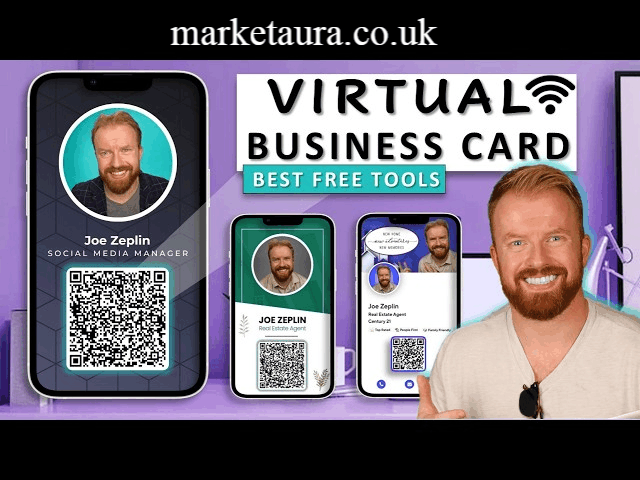
Before choosing a free business card app, compare the features instead of choosing based only on design.
Look for:
- Free availability: Check exactly what the free plan includes.
- QR code: Make sure QR sharing is available if you need it.
- Customization: Check whether you can add your logo, photo, colors, and links.
- Mobile support: Look for iPhone and Android compatibility if needed.
- Contact saving: Check how recipients save your details.
- Analytics: Useful if you want to measure visits or engagement.
- CRM integration: Important for sales teams and lead capture.
- Multiple cards: Useful if you have different professional roles.
- Privacy controls: Understand what information becomes public.
- Export options: Check whether you can move your contact information elsewhere.
For larger teams, CRM sync can be particularly valuable. Integrations with platforms such as HubSpot, Salesforce, or Pipedrive can turn simple digital contact sharing into a more structured lead capture process when supported by the provider.
Free E Business Card Blog Post Template
If you are creating content around this topic, a simple blog structure can be:
Title: Free E Business Card: How to Create and Share One
Introduction: Explain what an electronic business card is and why professionals use it.
Section 1: What is a free e business card?
Section 2: Benefits of digital business cards
Section 3: How to create one
Section 4: Free digital business card with QR code
Section 5: QR code vs NFC
Section 6: How to share your card
Section 7: What information to include
Section 8: Best digital business card makers
Section 9: Frequently asked questions
This structure works because it addresses informational intent first and then moves toward practical creation and comparison questions.
What About Free E Business Card Discussions on Reddit?
Reddit can be useful for discovering real user experiences with digital business cards, especially when people compare specific apps, pricing, QR codes, NFC cards, and networking workflows.
However, Reddit comments should be treated as user opinions rather than authoritative product documentation. Before choosing a platform based on a Reddit recommendation, verify its current pricing, free plan limitations, privacy policy, supported devices, and features on the provider’s official website.
This is particularly important because free plans and product features can change over time.
Security and Privacy Tips
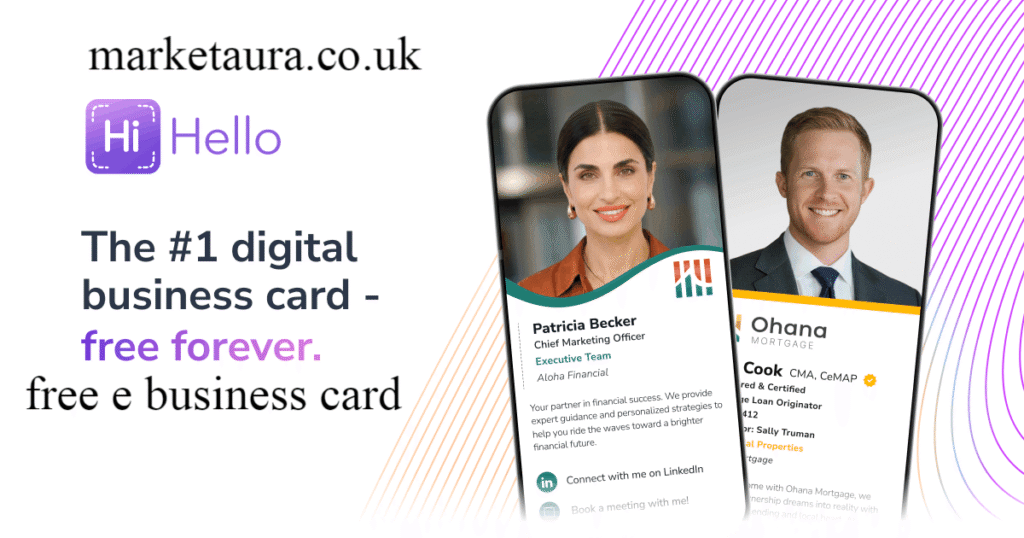
A digital contact card makes sharing easier, but you should still think carefully about what you publish.
Do not include sensitive personal information such as your home address, private phone number, financial details, passwords, or other information that does not belong on a professional profile.
If your card links to a business email, also protect the email account itself. The FTC recommends email authentication technologies such as SPF and DKIM to help businesses reduce email spoofing risks.
Also check whether your card provider collects analytics, visitor information, or contact data. If you use the card for lead capture, understand how that information is stored and managed.
Frequently Asked Questions
Is a free e business card really free?
It can be. Many digital business card services offer free plans, but the included features vary. Some providers may limit the number of cards, customization options, analytics, integrations, or advanced features.
Always check the current free plan before creating your card.
What is the best digital business card?
The best digital business card depends on your needs. A solo professional may prioritize a free card, QR code, and simple sharing. A sales team may need CRM integration, lead capture, analytics, and centralized management.
Can I create a free digital business card with a QR code?
Yes. Many digital business card makers allow users to connect a QR code to an online card. The person you meet can scan the code and open your contact profile.
What is the best digital business card maker?
A good digital business card maker should make it easy to add contact details, social links, branding, a profile photo, and a QR code. It should also work reliably on the devices your audience uses.
Do people need an app to receive my digital card?
Not necessarily. Many web based digital cards open through a normal browser, allowing the recipient to view your information without installing an app. However, the exact experience depends on the platform you choose.
Can I use a digital business card on iPhone and Android?
Yes. Many services support both platforms through mobile apps or web based cards. iPhone users can also use native contact sharing features such as NameDrop for supported Apple devices.
Is an NFC business card better than a QR code?
Neither is universally better. QR codes are highly versatile because they can appear on phones, posters, websites, presentations, and printed materials. NFC can feel faster during face to face interactions because the card can be shared with a tap.
For professional networking, having both options can provide the most flexibility.
Can I connect my digital business card to a CRM?
Some platforms support CRM integration or CRM sync. Depending on the provider and plan, integrations may include systems such as HubSpot, Salesforce, or Pipedrive.
If lead capture is important to your business, check whether CRM integration is included in the free plan or requires a paid subscription.
Final Takeaway
A free e business card is a practical way to replace or supplement traditional paper cards. You can create an online contact profile, add your professional information and important links, then share it through a QR code, URL, NFC tap, email, social media, or compatible wallet.
For individuals, the most important features are simplicity, easy contact saving, professional branding, and reliable sharing. For businesses, CRM integration and lead capture can become equally important.
The best approach is to start with only the information people need, make the card easy to save, and provide a clear next step. A simple digital card that someone actually saves is more valuable than a complicated profile that looks impressive but gets ignored.
Author Bio: johan harwen is an experienced writer focused on digital marketing, business technology, and online networking solutions. He creates practical, SEO friendly content that helps readers understand digital business tools and grow professionally.